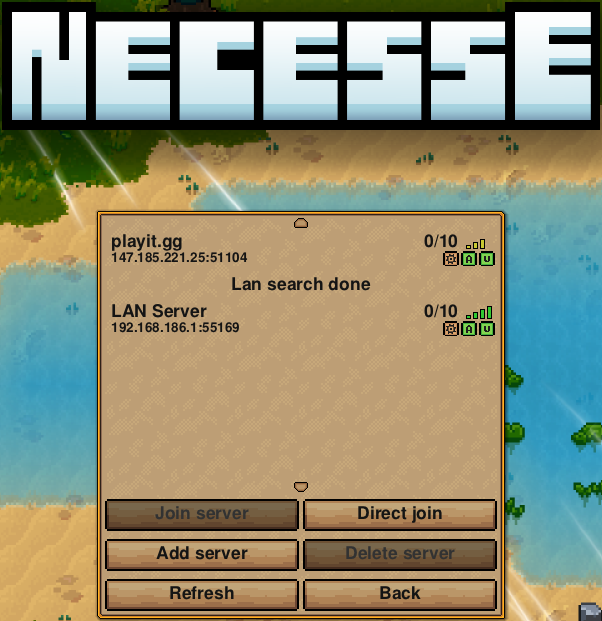
This guide will walk you through how to host a Necesse server through playit.gg
Requirements
- Necesse - Steam
Server
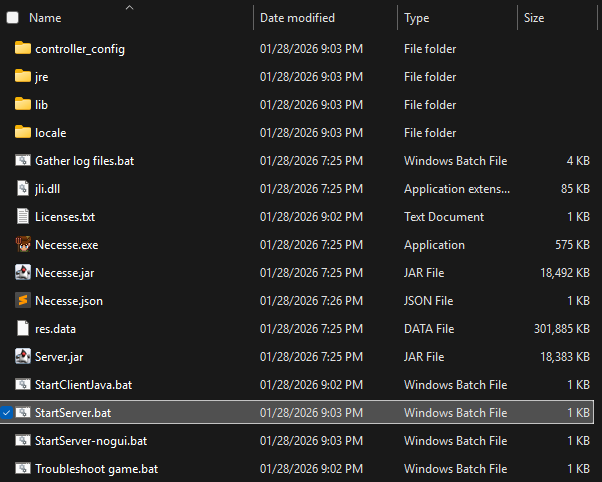
Steam\steamapps\common\Necesse\StartServer.jar
Server Documentation
Multiplayer - Necesse Wiki - necessewiki.com
Server Files
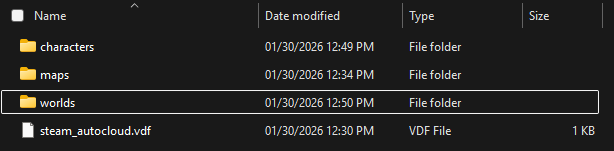
%AppData%\Necesse\saves\
Server Setup
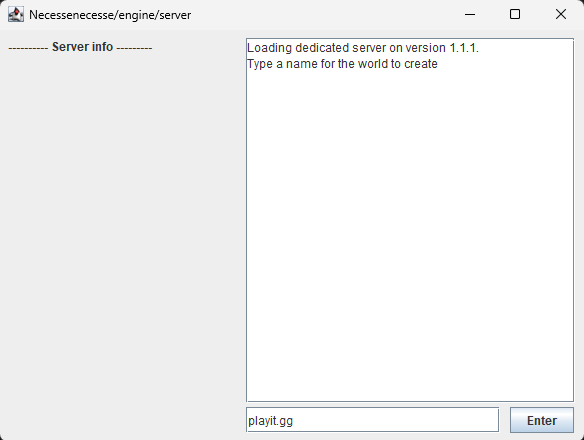
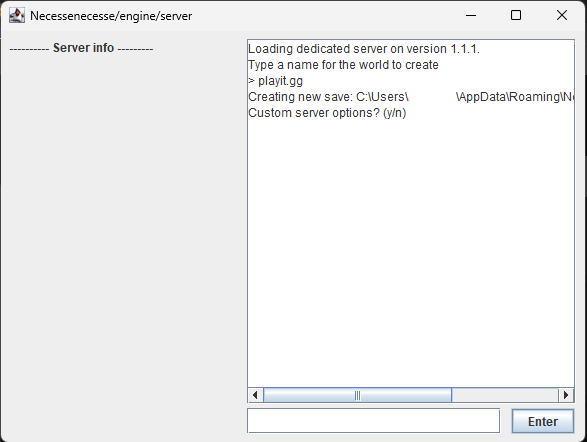
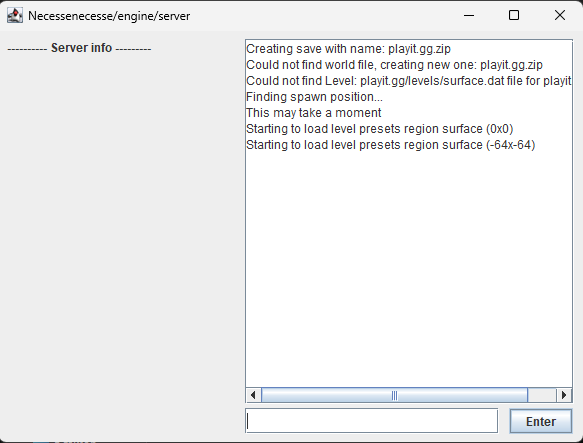
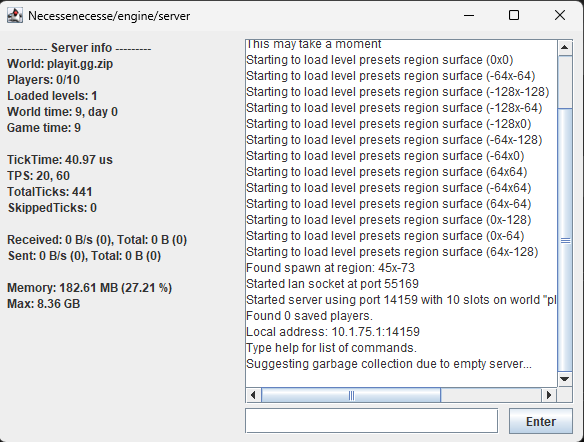
Find and locate StartServer.bat, then double click the batch file. This will open a window where server options can be configured.
You do not need to set up custom server properties. There are linked resources to help you if needed. For this guide, we just selected
nto keep server defaults.
Tunnel Setup
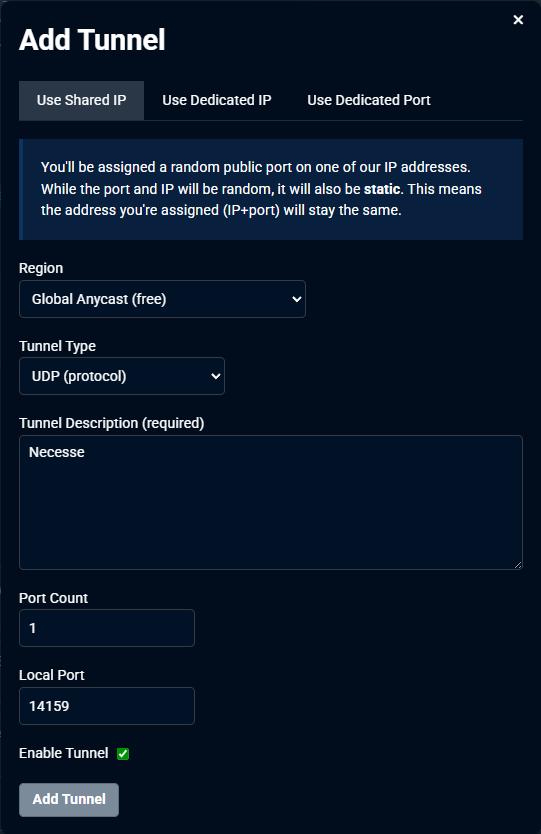
Create a new agent or modify an existing one, and add a tunnel
Set up the tunnel as follows:
Tunnel Type: UDP (protocol)
Port Count: 1
Local Port: 14159
Connecting to the server
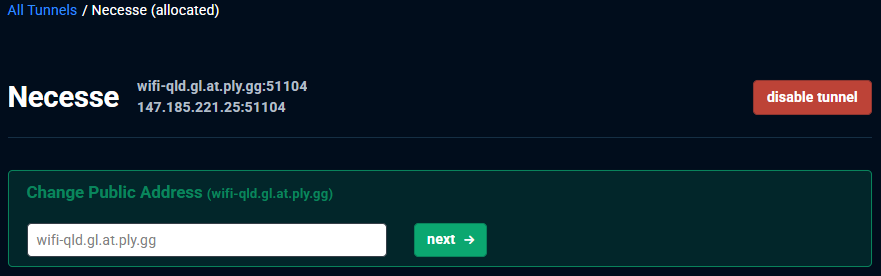
Inside of Necesse, click on Play Multiplayer and then Join a server. Click on Add server and enter a name, along with the tunnel’s IP address and port.
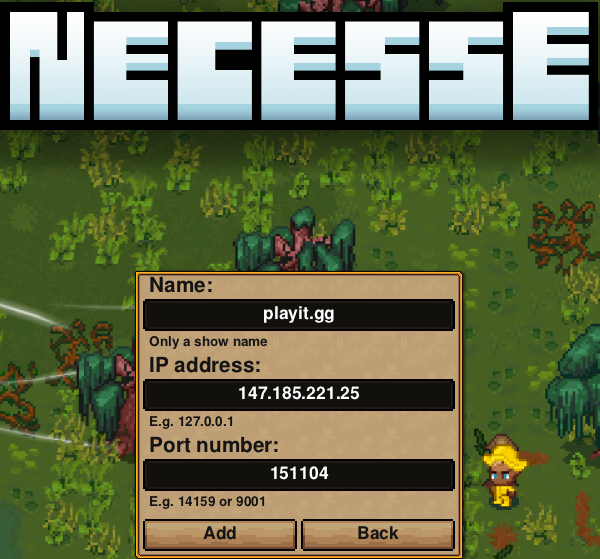
Click on Add and your server should be in the server list, using playit’s IP address and port.